


Download the official Lake Palace APK, then follow the seven steps below to install it safely on your Android device.
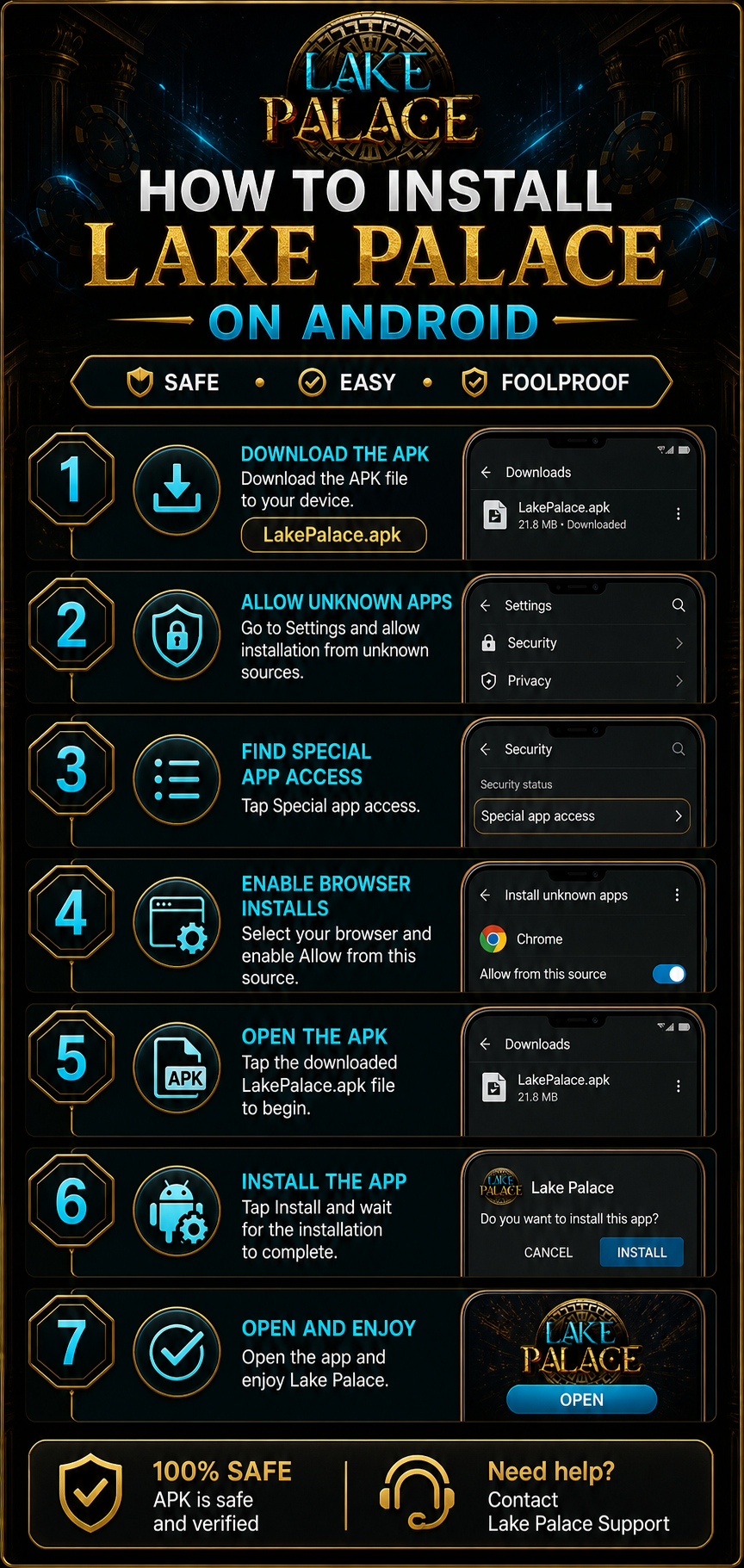
Lake Palace Android installation instructions
Use these instructions if Android asks you to allow an installation from outside the Google Play Store. The menu names can vary slightly between Android versions.
- Download the APK. Tap the download button above and save
LakePalace.apkto your device. - Allow unknown apps. Open Android Settings and allow installation from unknown sources when prompted.
- Find Special app access. In Settings, open the Security or Apps area and select Special app access.
- Enable browser installs. Choose the browser you used to download the APK and enable Allow from this source.
- Open the APK. Return to Downloads and tap the downloaded
LakePalace.apkfile. - Install the app. Review the prompt, tap Install, and wait for the installation to finish.
- Open and enjoy. Open Lake Palace from the installer or your app drawer and sign in.
Need help?
If Android blocks the installation, return to Special app access and confirm that your browser is allowed to install unknown apps. You can also download the APK again and repeat the steps above.